Introduction
If you are deciding between veo 3.1 fast vs quality, you are really choosing between speed and polish. Both options belong to Veo 3.1, Google’s latest video generation model with native audio, and both can produce impressive results. The key is picking the right mode for your goal: fast iteration or a refined final clip. This guide breaks down the differences in simple terms and gives you a clear way to decide.
If you want to jump in and test Veo 3.1 fast or quality, you can create a short clip here: Generate a video.
What Is Veo 3.1?
Veo 3.1 is Google’s newest video generation model, designed to create short videos with built‑in sound. That means the model can generate audio and video together, instead of you adding sound later. It supports high‑fidelity video, including 720p, 1080p, and even 4K output for 8‑second clips. It also adds more creative control, like portrait video (9:16), video extension, and the ability to guide a clip using reference images or even define the first and last frame. In plain language: it is built to give you more control and better‑looking results without requiring advanced technical knowledge.
Veo 3.1 Fast vs Quality: The Core Differences
The phrase “quality” usually refers to the standard Veo 3.1 model. “Fast” refers to Veo 3.1 Fast. Google describes the Fast version as speed‑optimized while still maintaining high quality, aimed at business use cases that need quick turnaround like rapid testing and social content. That single line captures the real difference.
Here is how that plays out for everyday creators:
1) Turnaround time
Veo 3.1 Fast is meant for faster results, which helps you iterate quickly. Standard Veo 3.1 is the better fit when you want a more careful, polished render and can afford to wait a little longer.
2) Visual polish and consistency
Standard Veo 3.1 is the “quality” choice when you want the cleanest look. If your clip is for a client, a brand, or a showcase, this is the safer pick. It is built for high‑fidelity output and supports 4K for 8‑second clips, which matters when you want maximum detail.
3) Audio built in
Both models support native audio in the Veo 3.1 family, so you can describe sound effects, ambience, or dialogue in your prompt. That means you are not choosing between “audio or no audio.” The difference is more about speed versus polish.
4) Creative control tools
Both Veo 3.1 and Veo 3.1 Fast support important control features like portrait video (9:16), video extension, first‑and‑last‑frame guidance, and reference images. So the decision is not about losing features; it is about how fast you want the result and how refined you want it to be.
So in veo 3.1 fast vs quality, think of it like this: Fast is for quick cycles, standard is for final‑cut confidence.
If you are unsure, imagine your video as a rough sketch versus a finished poster. A sketch helps you find the right composition quickly. A poster is what you hang on the wall. Fast is the sketching phase. Standard Veo 3.1 is the poster phase. Both are valuable, but they serve different moments in a creative workflow.
When to Choose Fast Mode
Fast mode shines when speed is part of the creative process. Choose it when you want to move quickly and learn faster than you perfect.
- Idea exploration: Test multiple concepts without waiting long between attempts.
- Short‑form content: Social posts, drafts, or experiments where freshness matters more than perfection.
- A/B testing: Try different styles or storylines to see what resonates.
- Team alignment: Quickly show a direction so everyone can agree before you invest in a final render.
If your goal is to explore and iterate, Veo 3.1 Fast is usually the right move.

When to Choose Quality Mode
The standard Veo 3.1 model is the best choice when the output will be seen as a final piece. It is the option you use when you care about detail, consistency, and overall polish.
Choose standard Veo 3.1 when:
- It is a final deliverable: A finished clip for publishing or client review.
- You need maximum detail: High‑fidelity output and the option for 4K on 8‑second clips.
- You want cinematic consistency: A polished look across frames and scenes.
- You are building a portfolio: The output represents your best work.
In short, standard Veo 3.1 is your “final render” choice in the veo 3.1 fast vs quality decision.

A Simple Decision Framework
Use this quick checklist to decide.
Pick Veo 3.1 Fast if:
- You want quick results.
- You are exploring multiple ideas.
- The output is short‑lived or experimental.
- You care more about iteration speed than polish.
Pick standard Veo 3.1 if:
- The video is a final release.
- Visual polish matters most.
- You want the cleanest look and highest detail.
Practical workflow: Many creators start with Fast to explore prompts, then switch to standard Veo 3.1 for the final version. It is a simple way to get both speed and quality without waste.

If you want to try this workflow today, start here: Create a first draft.
Tips to Get Better Results in Both Modes
No matter which option you choose, these habits help you get better videos:
- Be clear and specific. Describe the scene, subject, mood, and movement in simple language.
- Use reference images when you need consistency. Veo 3.1 lets you use up to three reference images to guide the look and content of the clip.
- Use portrait or landscape intentionally. Choose 9:16 for mobile‑first content, 16:9 for widescreen storytelling.
- Try first‑and‑last‑frame guidance. If you want a specific starting and ending moment, set them explicitly.
- Iterate in small steps. Change one part of your prompt at a time so you know what worked.
FAQ
Is “quality mode” an official name? Google’s official names are Veo 3.1 and Veo 3.1 Fast. Many creators call standard Veo 3.1 “quality” because it is used when polish matters most.
Does Fast remove features? No. Both support core features like portrait video, reference images, and native audio. The main difference is speed versus refinement.
Will most viewers notice the difference? People usually notice polish, consistency, and clarity when a video is meant to be final. If the clip is a quick experiment, Fast is often enough.
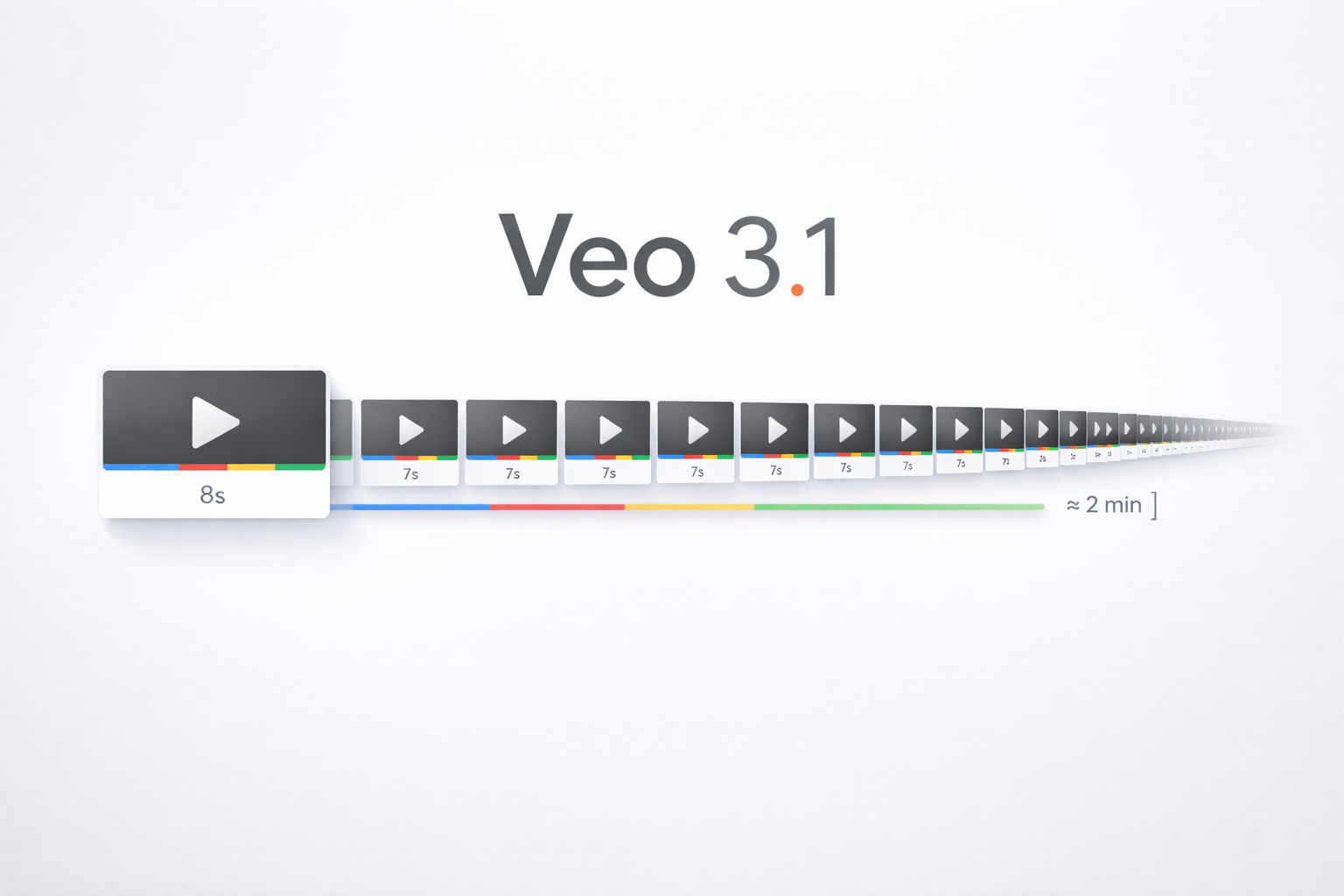
How long are Veo 3.1 videos? Veo 3.1 generates short clips (4, 6, or 8 seconds), and higher resolutions like 1080p or 4K are available for 8‑second clips.
Conclusion
The easiest way to answer “veo 3.1 fast vs quality” is to match the mode to your goal. If speed and iteration matter most, choose Veo 3.1 Fast. If you want your cleanest, most polished result, choose standard Veo 3.1. Both can produce strong results when your prompt is clear—so experiment, learn, and refine.
When you are ready to create, you can generate your next clip here: Try text‑to‑video.